
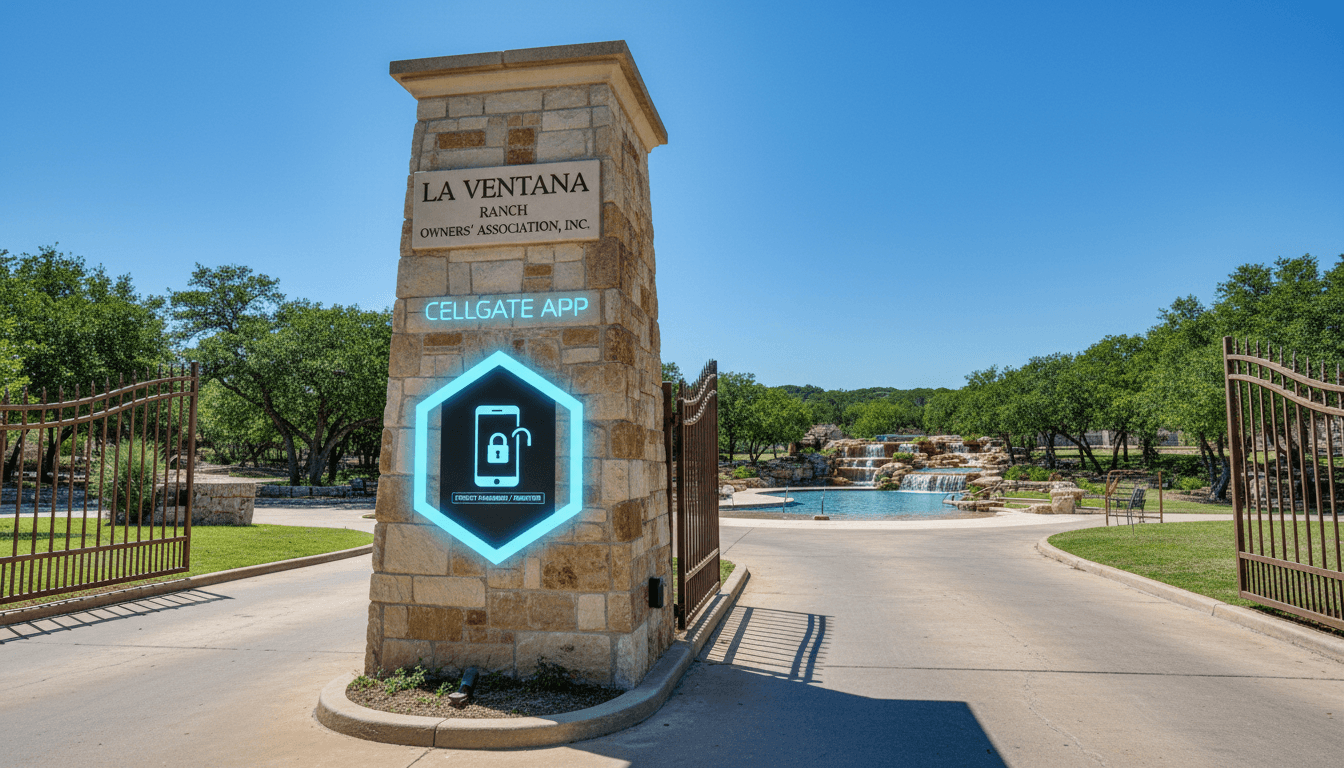
Cellgate App Info
To register on the cellgate app please download the app and then select forgot password.
To register on the cellgate app please download the app and then select forgot password. Enter the email address that you receive your PS emails on and reset your password. Follow the instructions in the email to change your password and you will be all set. Return to the CellGate App and you can now login.
At this time there is nothing more you need to do. We are still working out the programming on the clubhouse so the way the app is displaying is not complete. You will automatically start receiving calls from the gate through the app, which you answer just like a normal call.
Please note that when you load the app- you Must allow permissions for your microphone and camera to be able to use the app.
If you are free, please join us Monday at the clubhouse and we will be teaching everyone how to use the app and start programming everyone’s existing keycards for the clubhouse.